> For the complete documentation index, see [llms.txt](https://docs.mixeffect.app/llms.txt). Markdown versions of documentation pages are available by appending `.md` to page URLs; this page is available as [Markdown](https://docs.mixeffect.app/configure/switcher-pages/panels-and-buttons/video-follows-audio.md).
# Video Follows Audio
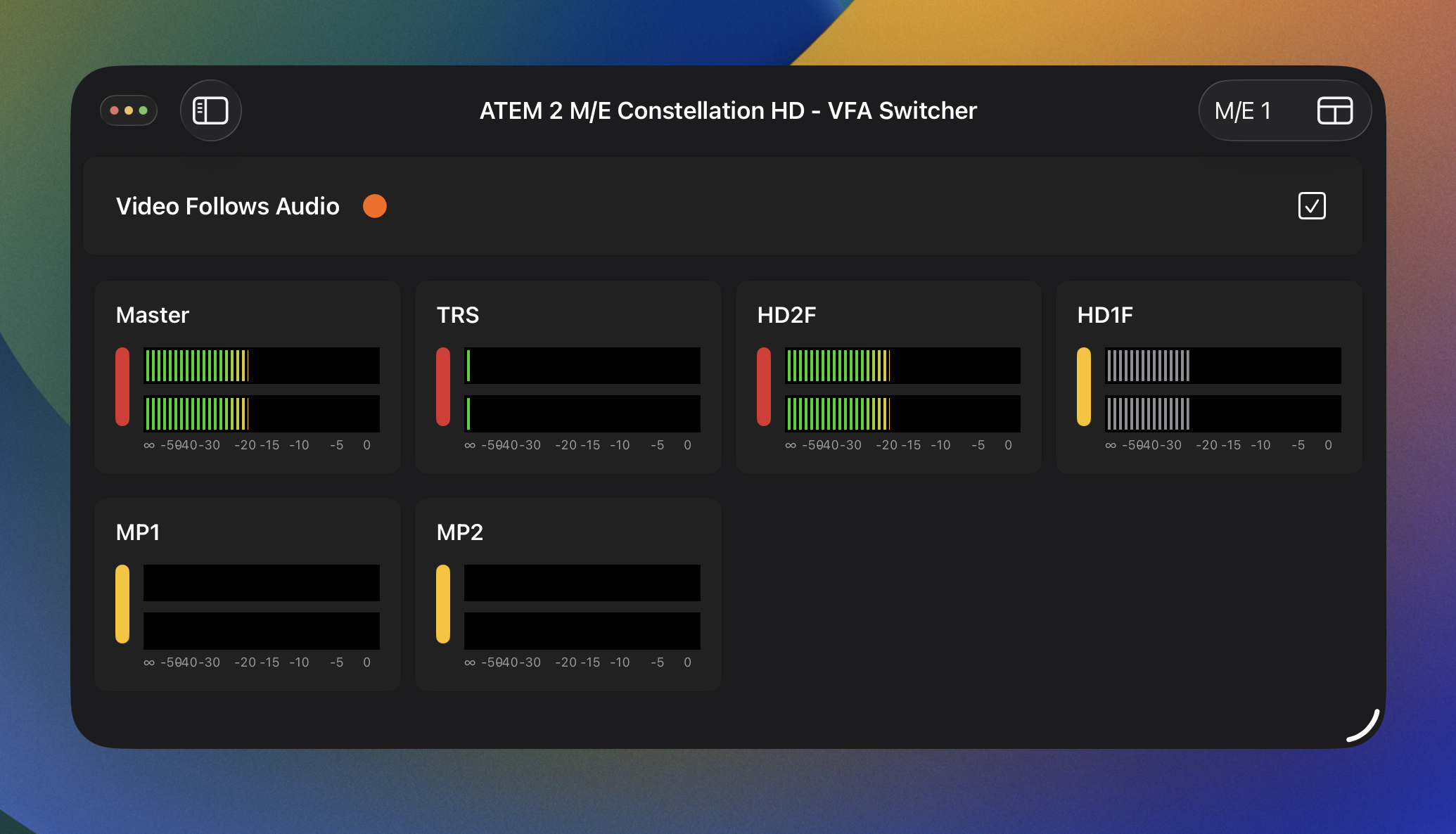
The Video Follows Audio switcher panel lets you turn on and off the Video Follows Audio feature. It has a status indicator for the current state of VFA:
* **Gray**: Off
* **Orange**: Active and listening
* **Red**: Hold
Tap the checkbox on the right-hand side to turn on and off VFA.
The Video Follows Audio switcher panel alongside the Audio (View Only) panel.